Website monitoring tools are essential for keeping track of your website so you know when it’s down (unavailable, SSL expired), as well as for monitoring page speed, traffic, and other aspects—all while receiving email notifications.
Here are top 5 website monitoring tools you can use to monitor your website.
1. Host Tracker
Host Tracker is a website monitoring tool that’s quite different from similar tools. Host Tracker users have access to several advanced features beyond SSL monitoring and monitoring notifications. These advanced features include server monitoring, website performance monitoring, DNS blacklist checks, and more.
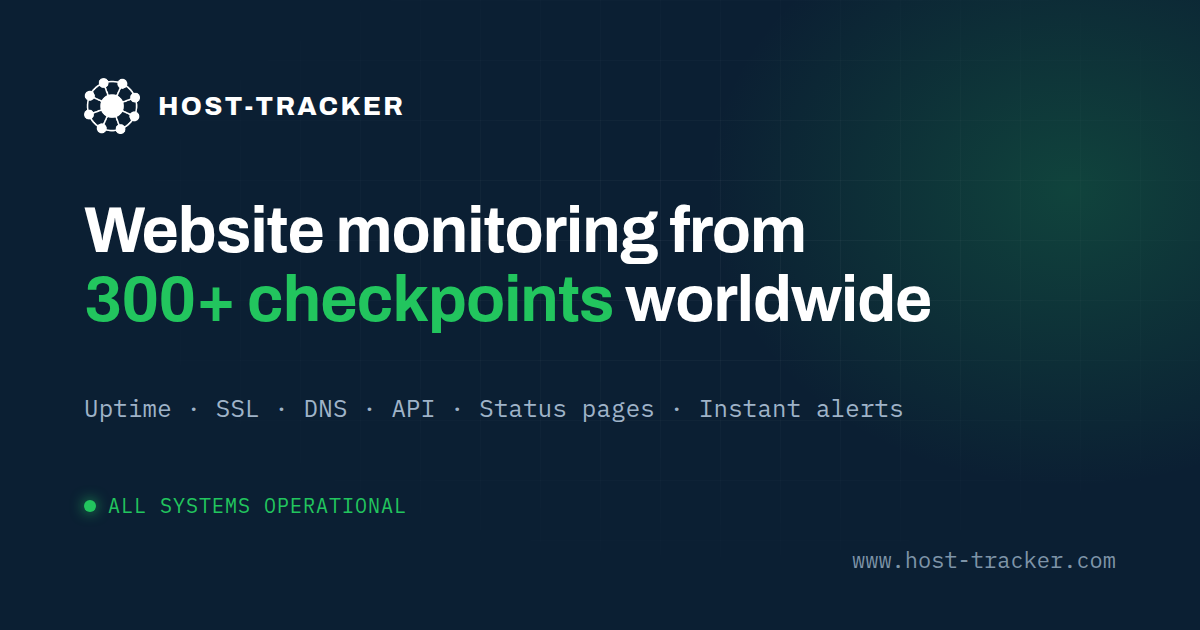
These more comprehensive features of Host Tracker are reserved for paid subscribers, with plans ranging from $5 to $99 per month. In addition to the paid version, you can also use the free version of Host Tracker; however, the features offered in the free version are more limited.
Host Tracker offers users the option of a free trial or a subscription plan for monitoring websites. This monitoring tool is ideal for large companies, web developers, and web agencies. Users with personal websites or small online businesses can take advantage of the free trial to avoid any costs.
Advantages of Host Tracker:
Automatic notifications are sent if a website’s domain is added to a DNS blacklist.
Server load monitoring is available.
Google Ads are automatically paused if the website goes down or experiences issues due to other factors.
Host Tracker offers a free trial that personal website owners can use.
Disadvantages of Host Tracker:
The system sometimes runs slowly, which can be time-consuming.
It takes some time to get used to using Host Tracker’s features, even for new users.
2. Uptime Robot
Uptime Robot is the go-to solution for website monitoring tools. It offers a free version that provides a fairly comprehensive set of monitoring features. Although there is a more advanced paid version, you should take advantage of the free version because it offers a generous 2-month trial period.
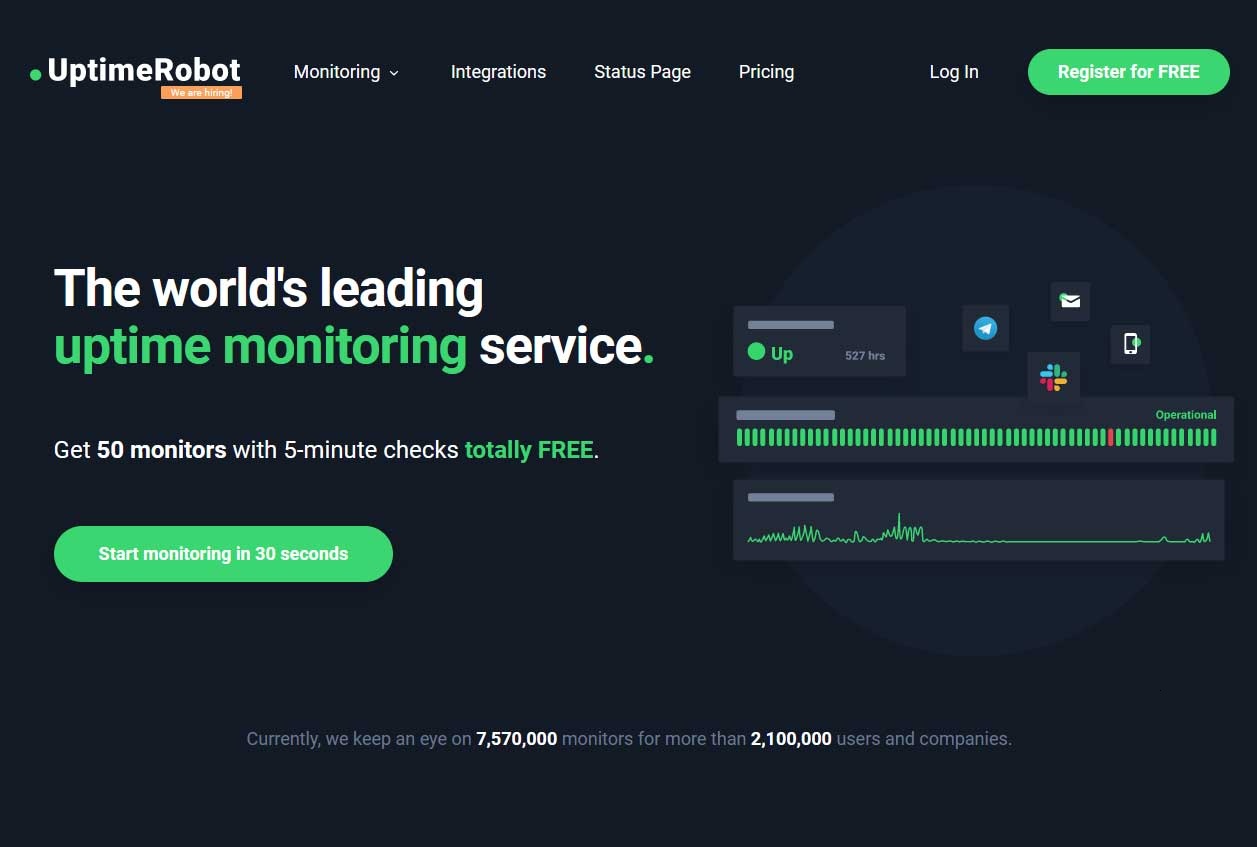
Several global companies use Uptime Robot to monitor their websites, including Robinhood, Expedia, Inc., Moody’s, and others. As such, the quality of Uptime Robot as a website monitoring tool is undeniable.
Choosing Uptime Robot as a monitoring tool naturally involves weighing its pros and cons. Here are the advantages and disadvantages you should understand before selecting Uptime Robot to monitor your digital business’s website:
Advantages of Uptime Robot:
Full-featured even with the free version of Uptime Robot
Monitors SSL, providing a secure connection between the browser and the website.
Customizable notifications that Uptime Robot website monitoring tool users can set up easily and quickly.
Disadvantages of Uptime Robot:
Customer support is unsatisfactory and unreliable.
False alarms occur frequently, often resulting in false notifications, so you need to configure the notifications.
3. Pingdom
Pingdom is website monitoring software available in both free and paid versions. The free version of Pingdom can only monitor website speed, while the paid version can be used to monitor overall website performance, including uptime and viruses.
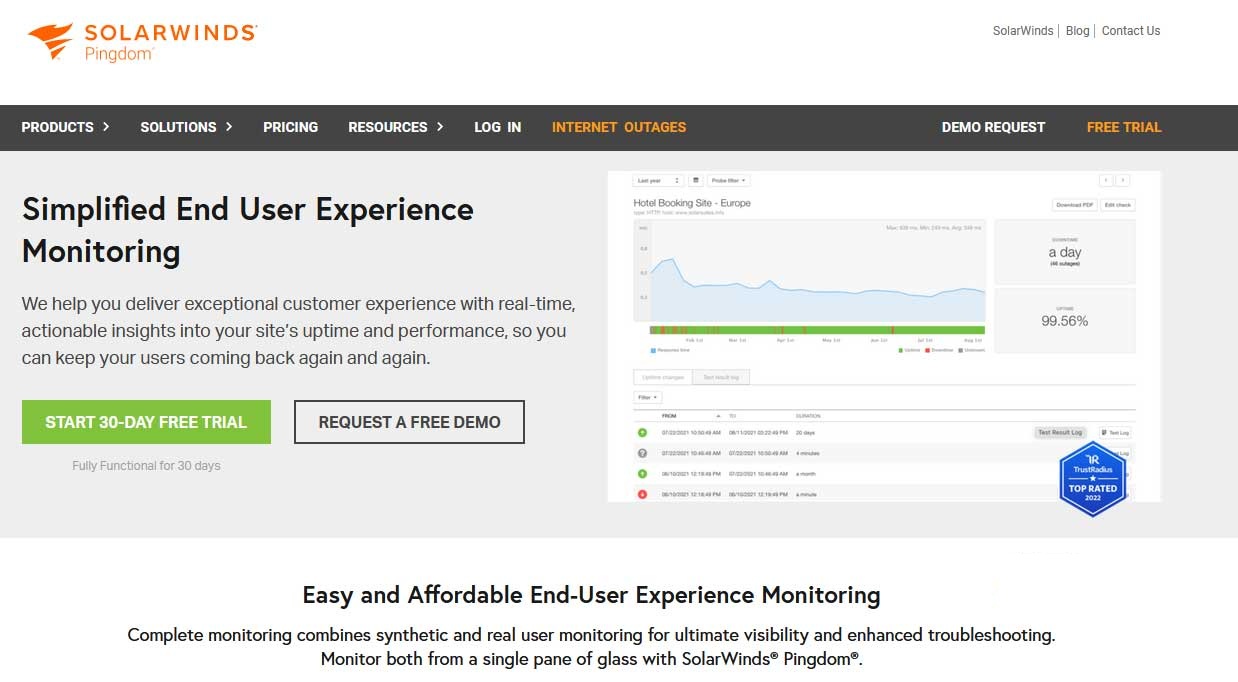
Pingdom also sends notifications to website owners not only when issues are detected but also provides information about the causes of website downtime. In addition, Pingdom’s monitoring system uses servers distributed around the world, making it even easier for users to access the servers.
Pingdom is a highly regarded website monitoring tool. It offers a 14-day free trial. After the 14-day trial period, users will be charged a monthly fee of approximately $10.
Advantages of Pingdom:
Uses the RUM (Real User Monitoring) system.
Monitors website uptime.
Monitors website speed.
Detects website issues.
Identifies the causes of website issues.
Disadvantages of Pingdom:
No free features available (usually only a 14-day trial).
The user experience is somewhat confusing.
The price is quite high to access Pingdom’s full suite of features.
4. StatusCake
StatusCake is a monitoring tool used to track website uptime, website speed, detect viruses, determine location, and more.
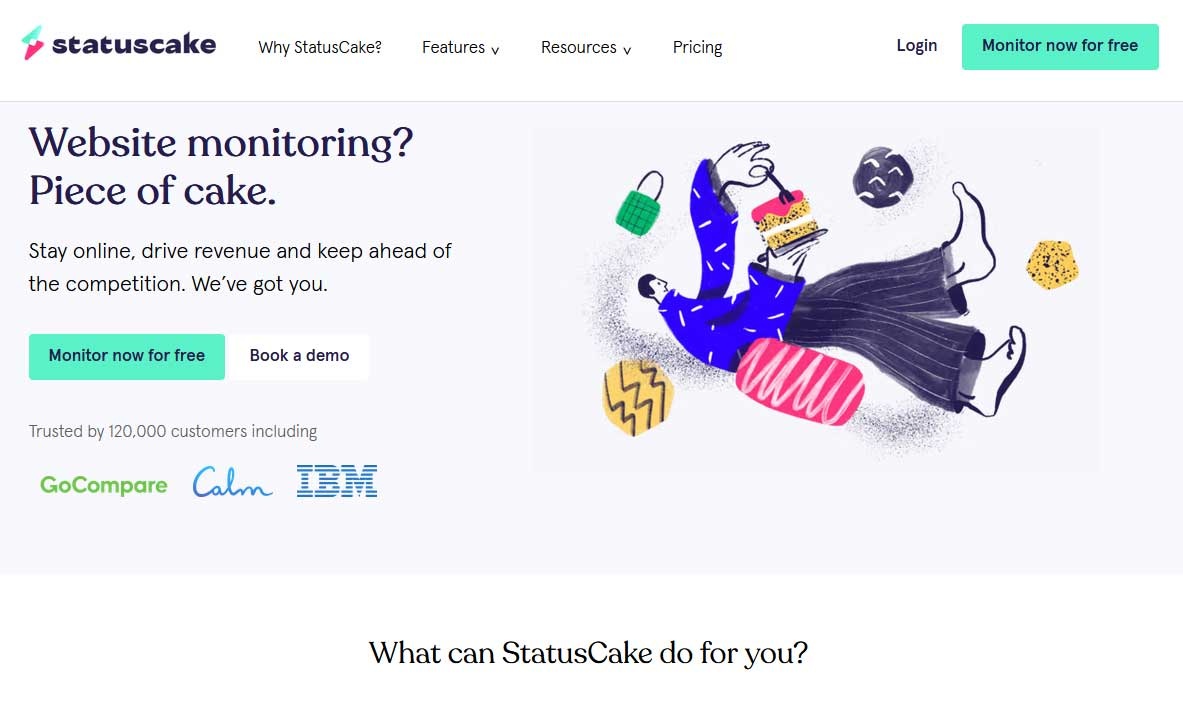
StatusCake is widely chosen as a monitoring tool because it can detect website issues quickly. Every 30 seconds, StatusCake checks your website, and if a problem occurs, the tool sends a notification to the email address you’ve registered.
Several major global companies, such as Netflix, Microsoft, and Zurich, use StatusCake to monitor their websites. Furthermore, StatusCake has servers accessible from all over the world, allowing your website to be checked across multiple global servers.
StatusCake, as a website monitoring tool, is available in two versions: a free version and a paid version. These two versions of the website monitoring tool differ primarily in the features they offer. Therefore, you should first assess your needs before choosing which version of StatusCake to use.
Advantages of StatusCake:
Monitoring intervals are quite short—just 30 seconds per website check.
Protection against hacker attacks and malware thanks to its virus-scanning capability.
Monitoring notifications are sent via email, making it easier for you to quickly detect suboptimal website performance.
Disadvantages of StatusCake:
The free version of StatusCake has limited features.
The paid version of StatusCake is more expensive than similar monitoring tools.
5. Monitis
Monitis is a well-known website monitoring tool widely used by website owners. Launched in 2006, Monitis has been adopted by many world-renowned brands such as Visa, PUMA, and HP. These leading brands use Monitis to monitor their websites for unexpected downtime.
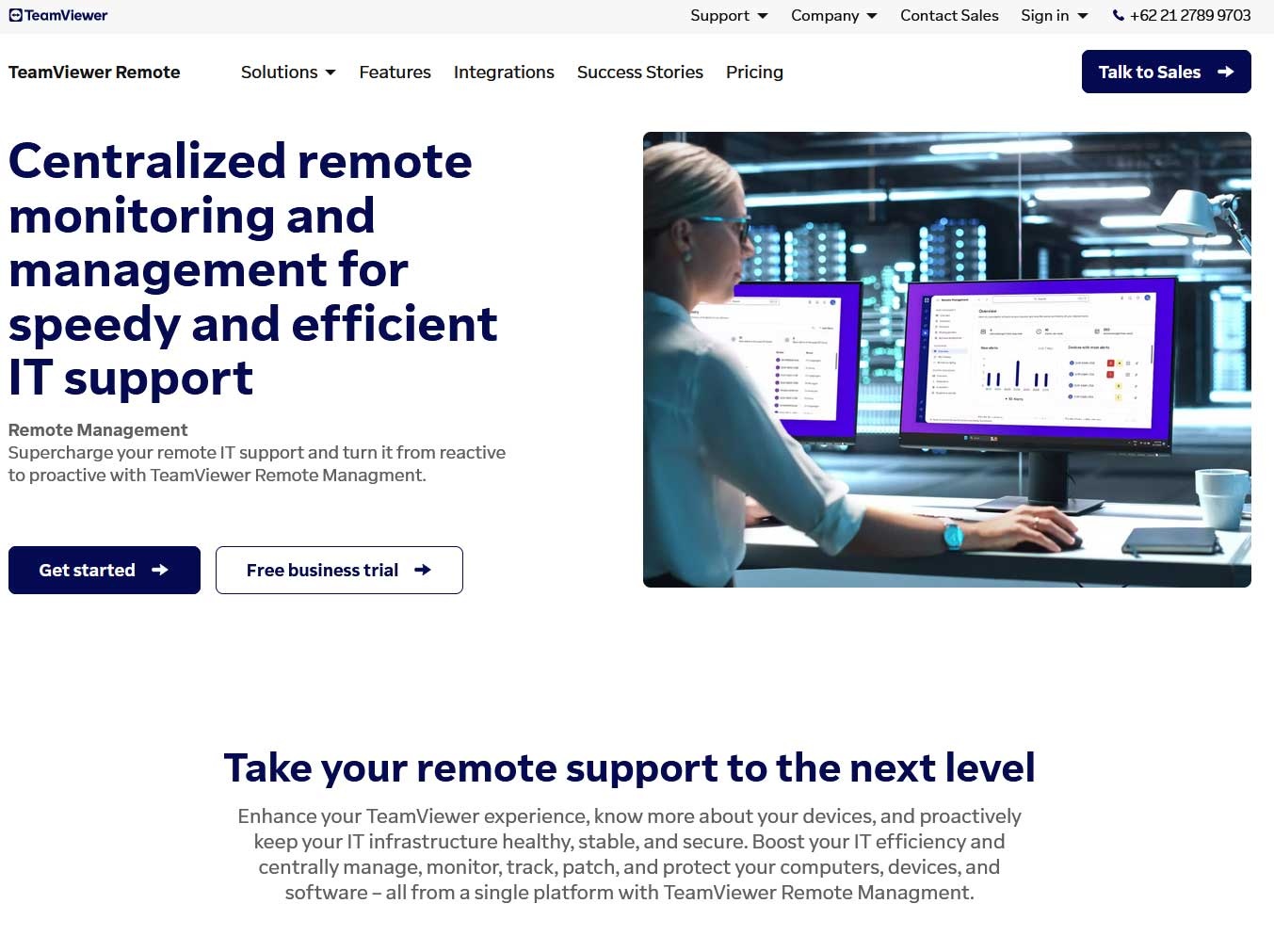
Monitis is a fairly simple website monitoring tool. Without installing any applications, Monitis can be used to monitor websites through its cloud-based system. A cloud-based system is a system used to process data successfully uploaded by internet users.
On its official website, Monitis offers a 15-day free trial for users to monitor their websites. This trial will connect you to the subscription process, which typically involves monthly payments.
Whether you run a web agency, a large corporate website, or a developer website, you can take advantage of the free trial offered by Monitis. Before deciding to use it as a website performance monitoring system, here are some pros and cons to consider:
Advantages of Monitis:
Monitors website uptime.
Performs public IP checks to find out information about the IP owner.
Performs VoIP (Voice Over Internet Protocol) checks.
Performs server health checks to identify issues that hinder website performance.
Maintains website network performance to prevent load times or downtime.
Disadvantages of Monitis:
This website monitoring tool is paid; after the trial period, customers are charged a monthly subscription fee, typically in U.S. dollars.
The UI and UX can be quite confusing, and new users in particular may have difficulty operating its features.